How to grant access to Business Manager
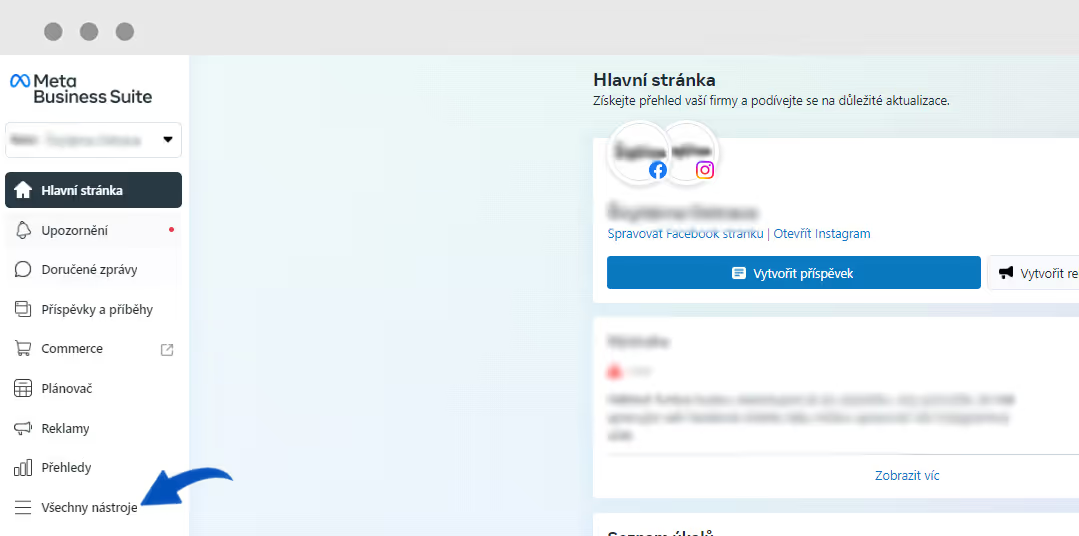
Facebook Business Manager is essential when you want to start running Facebook ads, and here we will show you how to set it up.
Facebook advertising has been booming in recent years. With companies moving online, various competitive battles take place here almost daily, and they are worth supporting with some promotion. Facebook allows entrepreneurs to make this investment affordable while still being highly profitable. However, to benefit from higher profits than those you get just by clicking the "Boost Post" button, you need to set up Business Manager – an advertising hub or space where all your promotion will take place.
The main reasons to set up Business Manager are more specific targeting, the ability to add team members more easily, and the separation of personal and business accounts. In addition, you can create multiple ad accounts in this advertising section and also launch dynamic remarketing, which is necessary for successful advertising campaigns.
Setting up Business Manager is not complicated. Just follow these steps:
In other words, by setting up Business Manager you are creating your company account where all the marketing magic will happen. This is where you will group your pages and Instagram profiles, and where you can see how your campaigns are performing or where they might need a little tweaking.
TIP: For campaign management, we recommend using our online marketing agency.
However, one thing is crucial before you can launch an advertising campaign: filling in your billing details, which you can enter under "Business Settings" or the "Business Info" tab. Don't forget to provide your payment details (be sure to double-check the currency); only then can you launch your ad campaign.
The tool is generally very intuitive, and even if things seem hard to find at first, you will eventually get the hang of it with ease.
Facebook Business Manager is essential when you want to start running Facebook ads, and here we will show you how to set it up.
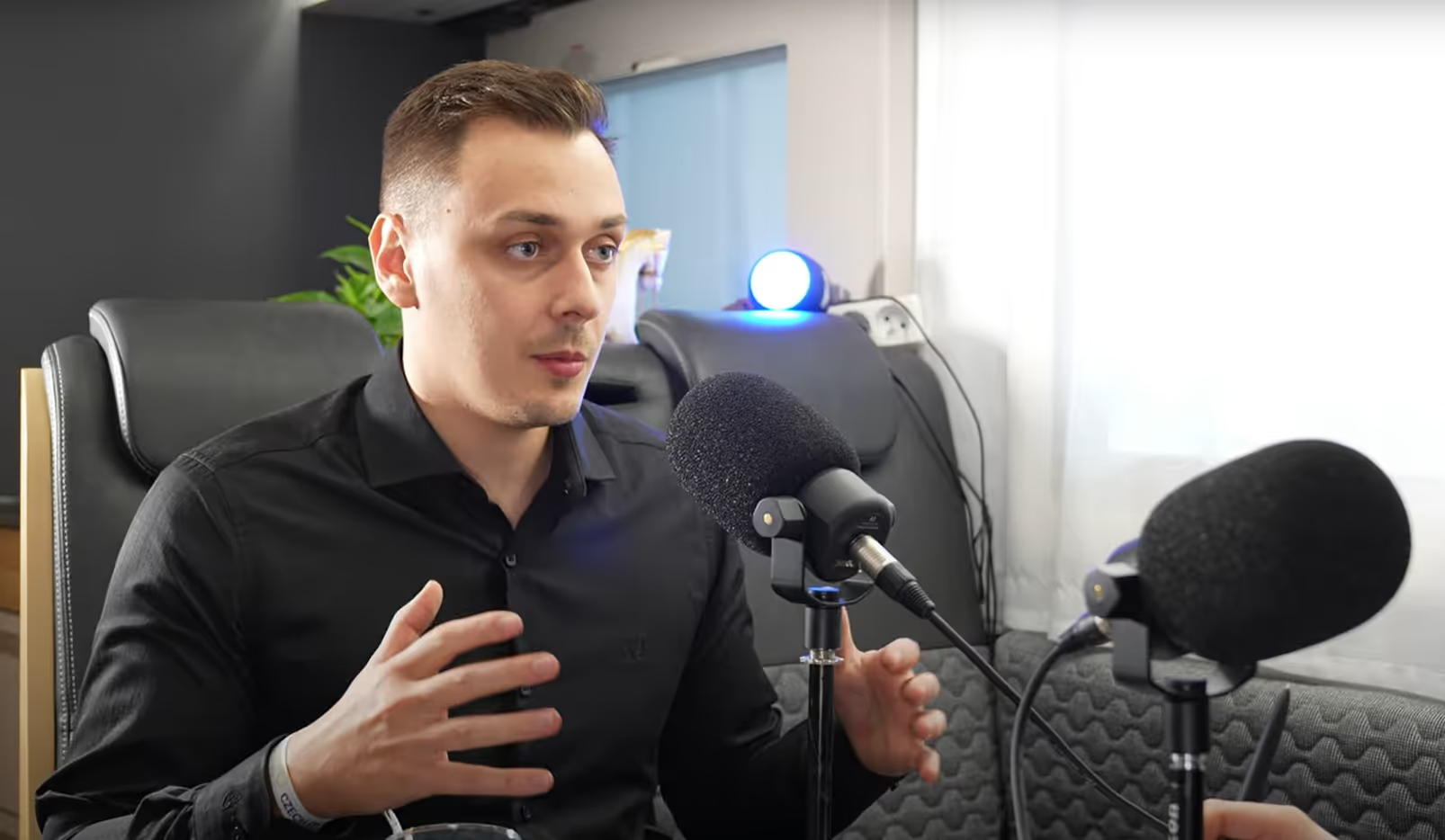
An interview about performance advertising and current trends.
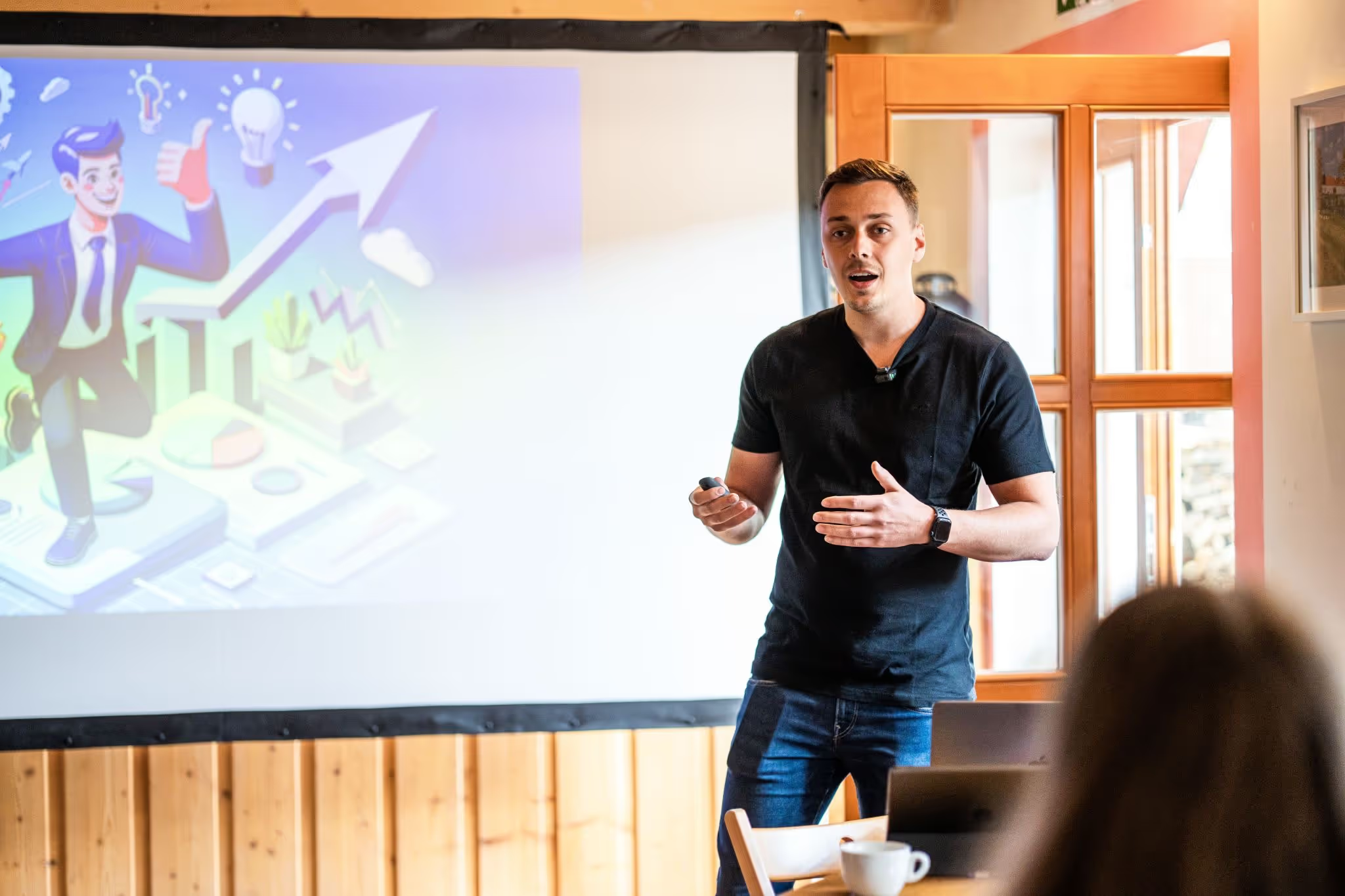
3 days of the most interesting PPC know-how. That was the 14th PPC Camp, where we enjoyed 20 presentations from industry leaders that were definitely worth listening to.
Don't miss any important events or news from our world