How to grant access to Business Manager
Facebook Business Manager is essential when you want to start running Facebook ads, and here we will show you how to set it up.
Are you using PPC campaigns to promote your products or services on Heureka? If not, you are missing out on a huge opportunity to reach more potential customers! Whether you are a beginner trying to understand how it all works or just a curious marketer looking to learn something new, this article is for you.
PPC, or pay-per-click, is an online advertising model where you pay for every click on your ad. On Heureka, PPC is the primary way to promote your e-shop. And why should you care? According to Heureka, switching to PPC mode increases an e-shop's click-through rate by up to three times on average. And that is a significant increase.
Similar to Google Ads or Sklik, you pay for every click on your product on Heureka. Your products appear in the Heurekacatalog, in search results, and on product detail pages alongside other e-shops.
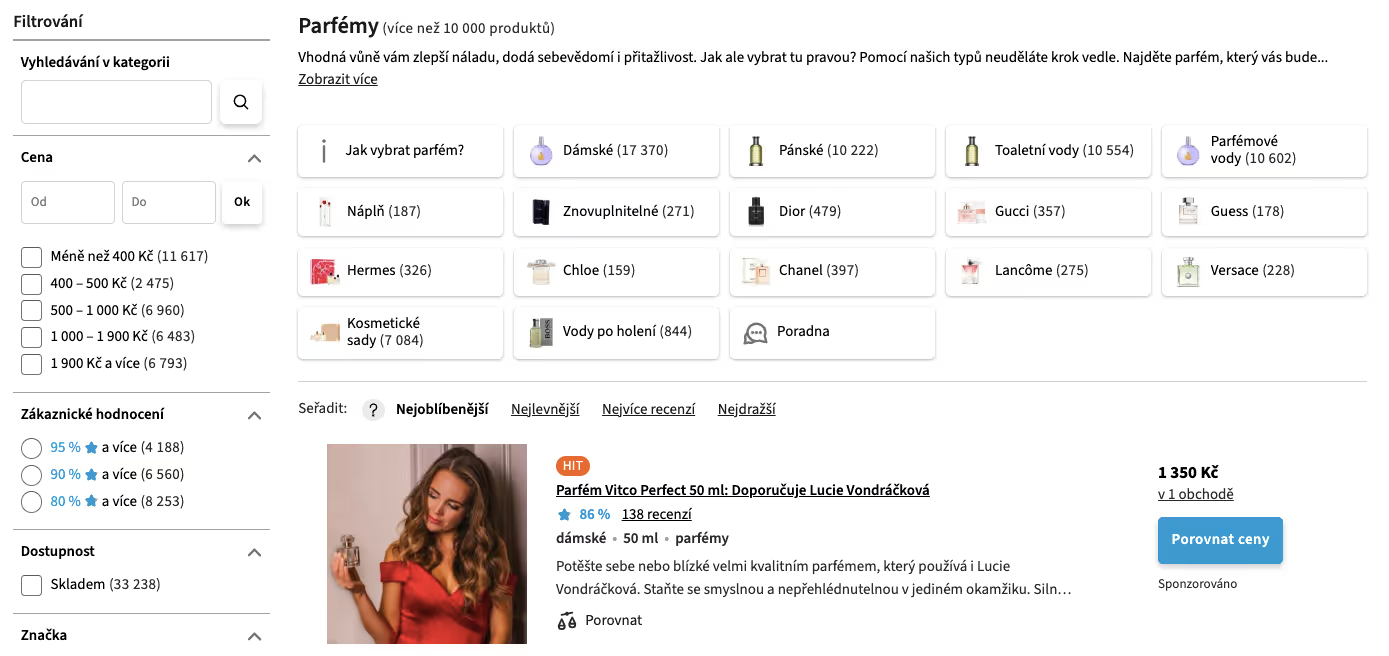
Getting started with PPC on Heureka is simple. The first step is switching your e-shop from Free mode to PPC mode. This gives you the ability to filter your products, reach up to thousands of customers daily, collect reviews that you can also display on your own website, and access traffic and order statistics (the so-called assortment report) along with other visibility options.
PPC mode works on the principle of a wallet. This means you first need to top up your credit.
If you are just starting out with advertising on Heureka, try topping up 1,000 CZK first and evaluate the results after a month. For an idea of costs, here is the Heureka price list, where you can find specific prices per click.
And what happens if your credit runs out and you don't top it up? You will drop back into Free mode and lose some features. Once you top up (via online credit card payment or bank transfer), you can switch back to PPC mode and continue reaching customers on a large scale.
TIP: If your products do not re-pair when switching back from Free mode to PPC mode, the transition to PPC mode can take anywhere from a few days to a few months, depending on the type of products you sell. Therefore, try not to switch between modes too often.
Then you pair your products into the individual categories in the Heureka catalog.
You will need an XML feed for this – a data file containing information about the products in your e-shop. This file is generated automatically from your e-shop site, so you will need to coordinate with your webmaster. Some platforms, such as Shoptet, already have the feed ready to go.
Once the data file is imported, the matching processbegins, i.e., approving products for the catalog. In the matching overview tab, you can immediately see how many products are successfully matched, how many are pending, and which ones remain unmatched.
You can learn exactly how to prepare the feed and which mistakes to avoid here.
Getting your products approved for the catalog is just the beginning. Managing PPC on Heureka requires regular monitoring and optimization of your campaigns. Here are a few tips on how to do it:
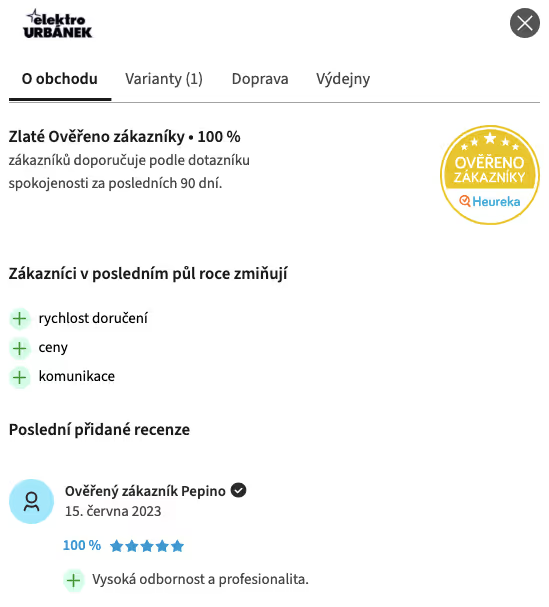
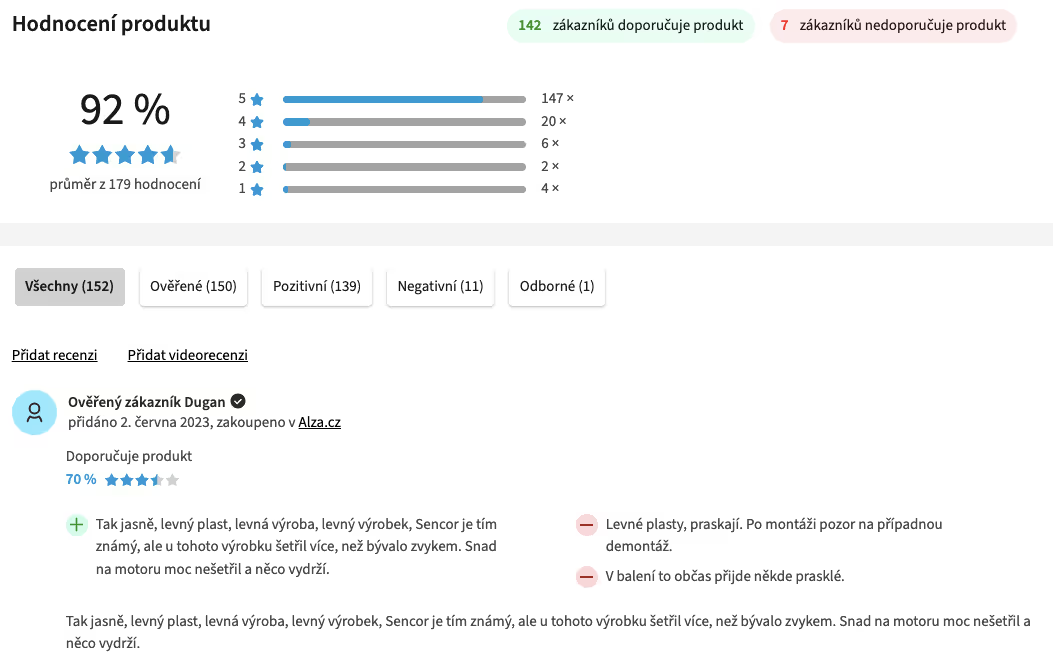
Still hesitating about whether Heureka is the right place for your business to capture customers? We have 5 reasons for you to say YES to Heureka.
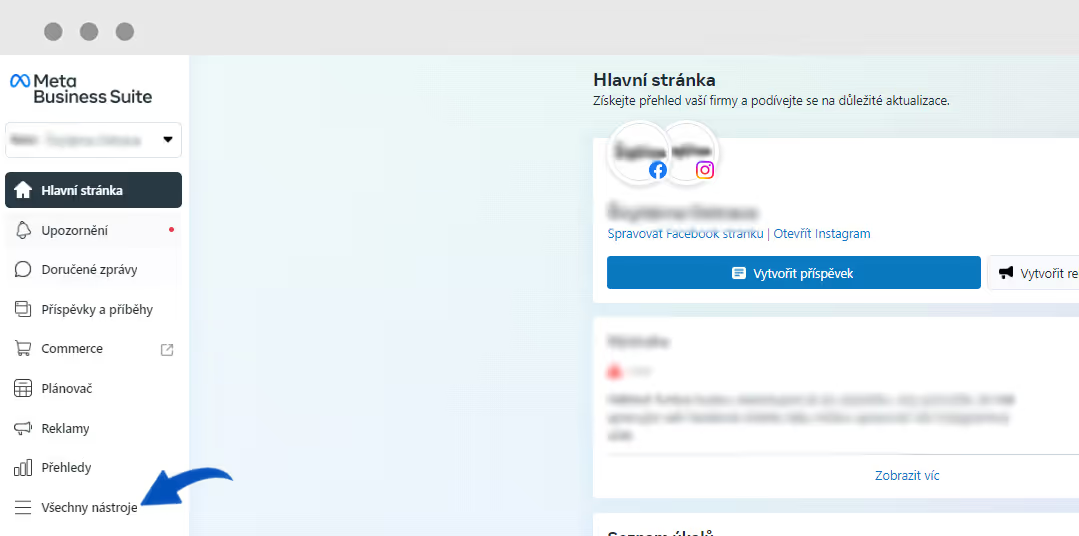
Facebook Business Manager is essential when you want to start running Facebook ads, and here we will show you how to set it up.

An interview about performance advertising and current trends.

3 days of the most interesting PPC know-how. That was the 14th PPC Camp, where we enjoyed 20 presentations from industry leaders that were definitely worth listening to.
Don't miss any important events or news from our world